Open house sign-in forms for real estate
Turn walk-ins into tracked leads.
Set up on a phone, tablet, or any device connected to the internet. Visitors sign in digitally instead of on a paper list — and land straight in your CRM with follow-up already running.
Never lose an open-house lead
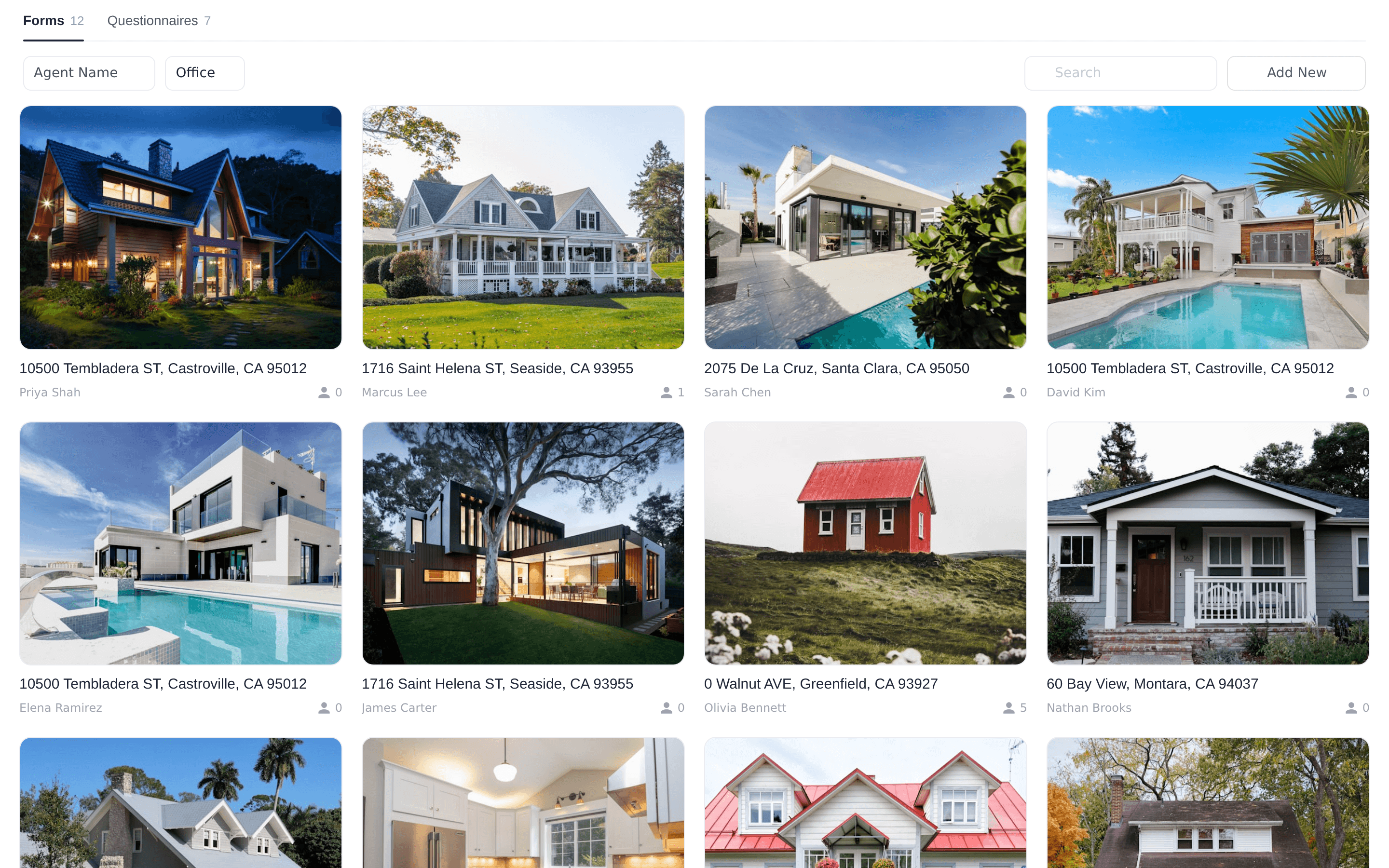
Each Open House Form is created for a specific listing, and questionnaires can be reused across all your open houses.
Digital sign-in with QR codes
Visitors scan a QR code to complete the form on their own phone, or fill it in directly on the tablet or computer you provide. You can also print the QR code for the sign-in table.
Try Now →Custom questionnaires
Default fields for name, email, and phone with required-field controls — then add, remove, or re-order plain-text and multiple-choice questions. Save questionnaires as templates and share them with your team, office, or company.
Try Now →Instant CRM capture
The moment a visitor hits Submit, they're registered in your Lofty CRM with the source "Open House" and a shared tag of the listing address. Answers map to standard fields — price range, house to sell, timeframe, pre-qualification, first-time buyer — and custom answers save to the lead profile as notes.
Try Now →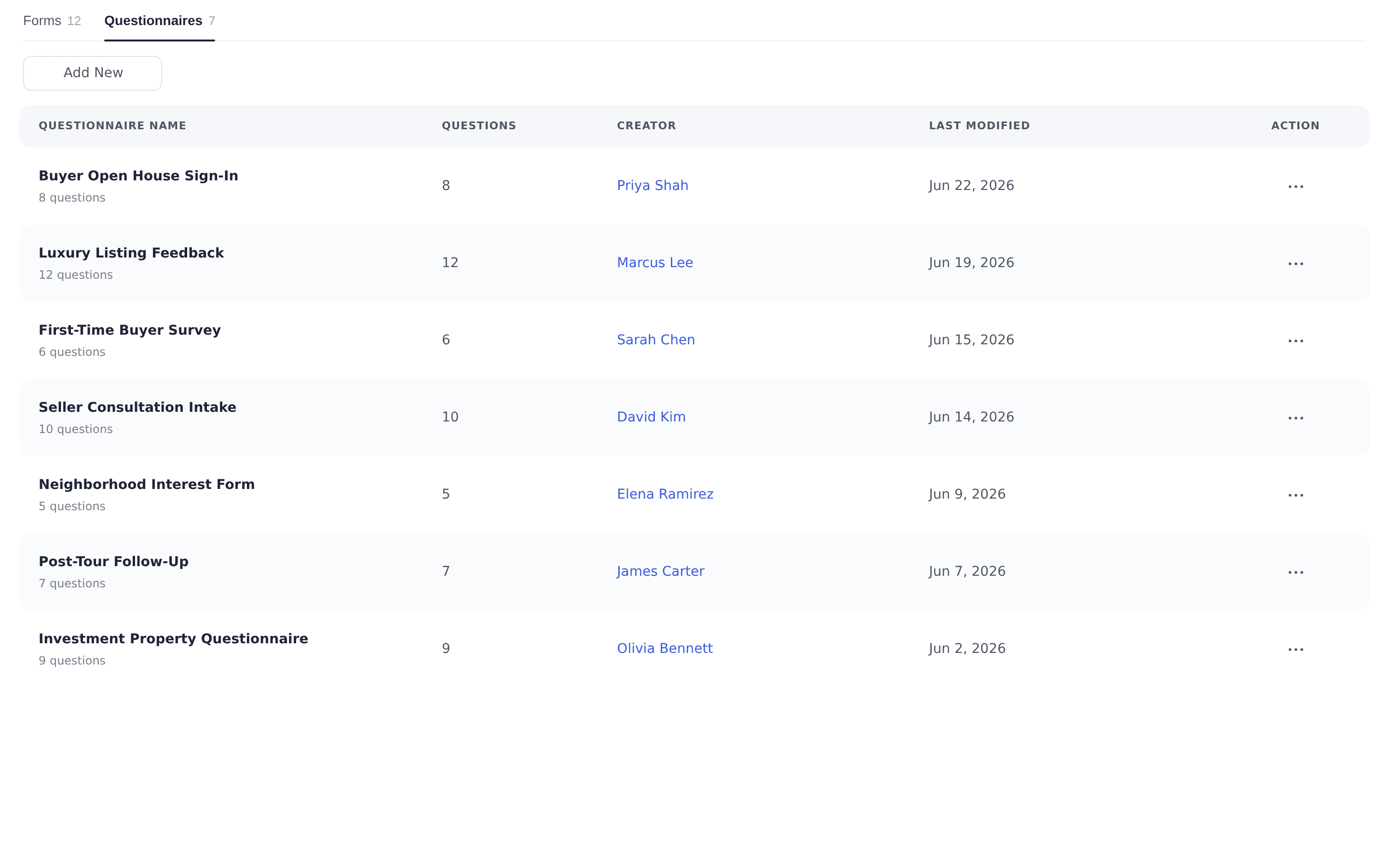
Follow-up starts before they leave the driveway
Everything you capture at the door feeds the same automation engine as the rest of your Lofty CRM.
- Welcome email or text — choose whether new registrants receive an automatic welcome message the moment they sign in.
- Lead routing — turn on "Assign lead by routing?" and your lead routing rules distribute open-house leads across the team automatically.
- Smart Plan triggers — trigger a Smart Plan whenever a new lead is created from the Open House source, so nurture starts without any manual step.
- Visitor notes & continuous sign-in — jot a note about each visitor on the submission page, then hand the device to the next guest to continue signing in.
More website products
Your next open house, captured completely.
See how sign-in forms, routing, and Smart Plans work together in one walkthrough.
Frequently asked questions
Haven't found what you're looking for? Try the Lofty Help Center or Contact us